Install wordpress for home development : install email server

Our home development need little component which called email server. This email server will responsible for delivering email, in such case : contact form, activation account etc.

This component used to be installed on your server (hosting account).

In this post I’ll continue with email server. As usual I try to make as clear as possible with screenshot :

Download and Install

1. Download latest Axigen email server from here.

2. Double click setup file.

Click Next.
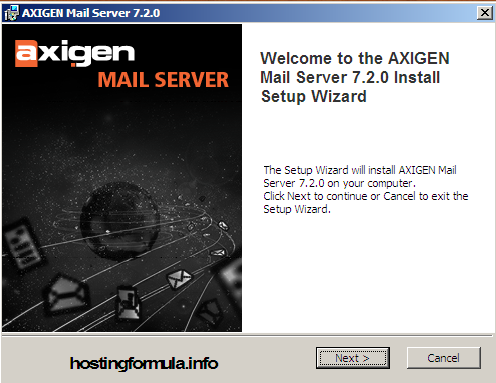
axigen1 Install wordpress for home development : install email server

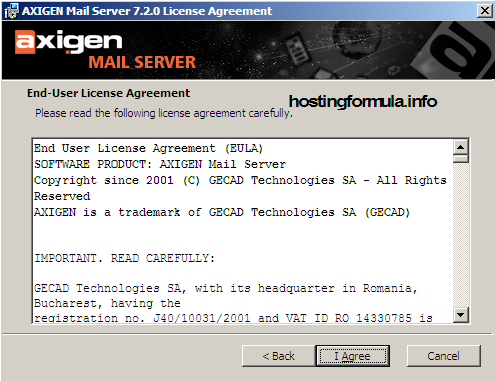
License agreement, choose I Agree.

axigen2 Install wordpress for home development : install email server

Pick Install directory, by default C:\Program Files\Axigen Mail Server.

Click Browse to change install directory and click Next if you want it as is.
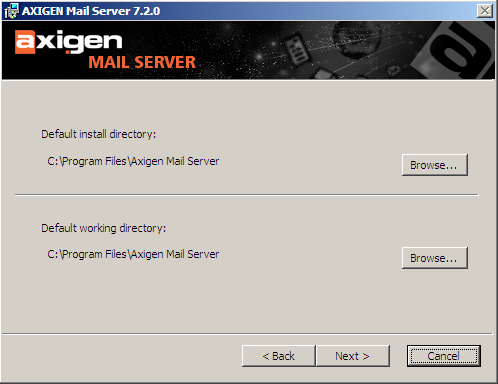
axigen3 Install wordpress for home development : install email server

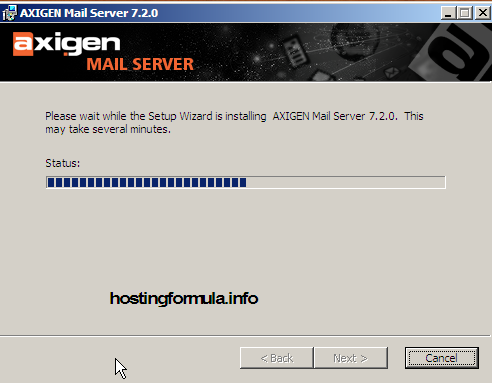
Install process will work.

axigen4 Install wordpress for home development : install email server

Configuration steps

Configuration Wizard will show, click Next to continue.
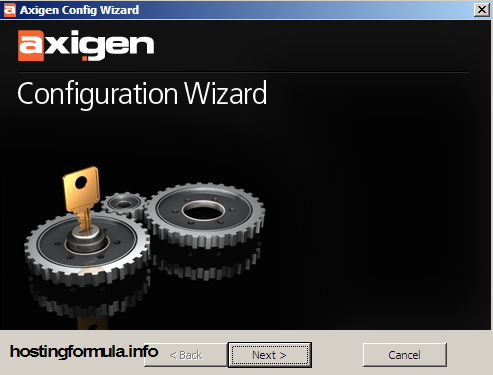
axigen6 Install wordpress for home development : install email server

Set administrator password

Type your axigen administrator password twice and click enter to continue.
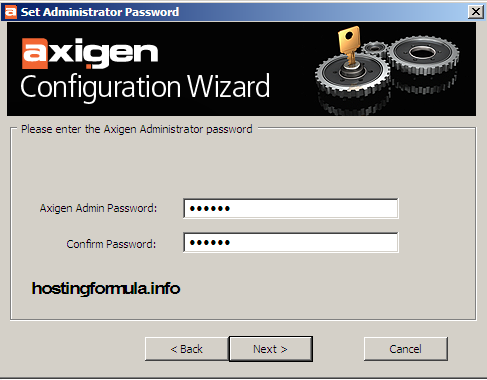
axigen7 Install wordpress for home development : install email server

Domain Configuration

Just type postmaster password

click Next.
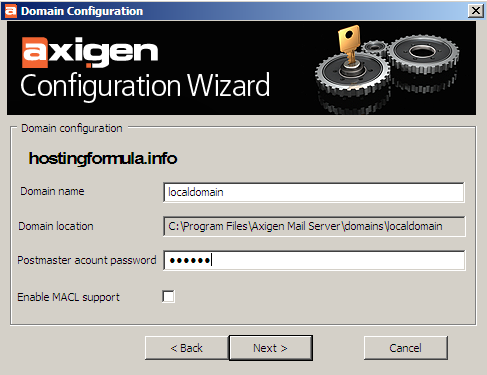
axigen8 Install wordpress for home development : install email server

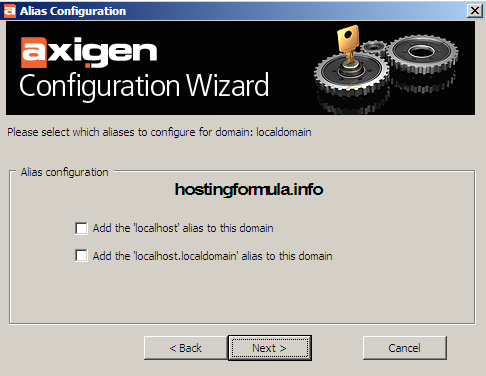
Click Next

axigen9 Install wordpress for home development : install email server

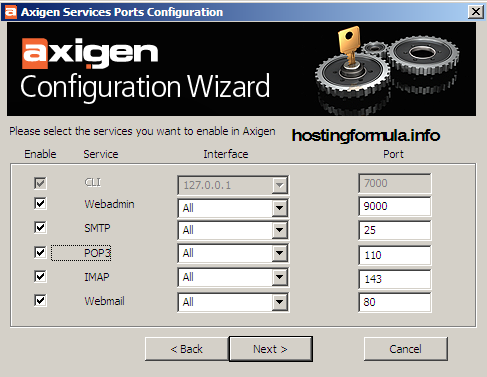
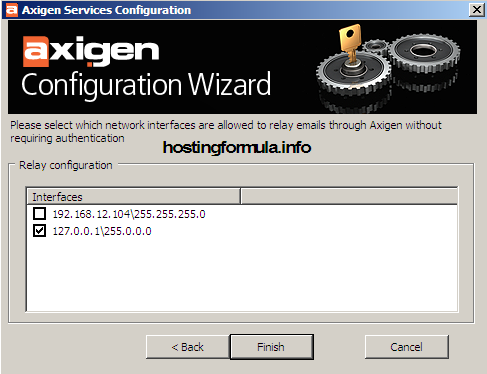
Click Next

axigen10 Install wordpress for home development : install email server

Click Finish

axigen11 Install wordpress for home development : install email server

Configuration Wizard will apply all setting from previous steps.
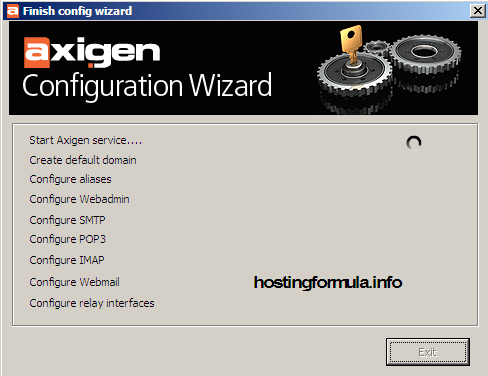
axigen12 Install wordpress for home development : install email server

Summary of services displayed.

Click Exit.
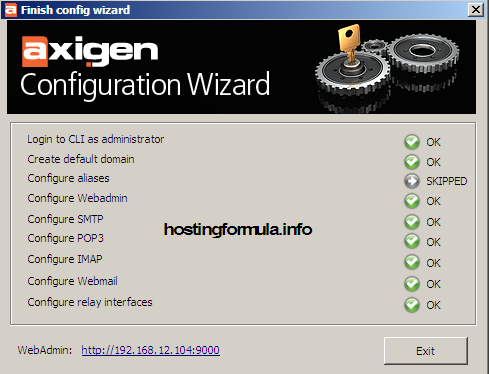
axigen13 Install wordpress for home development : install email server

Open web browser and type address webadmin.

In this case the address is :

http://192.16.12.104:9090
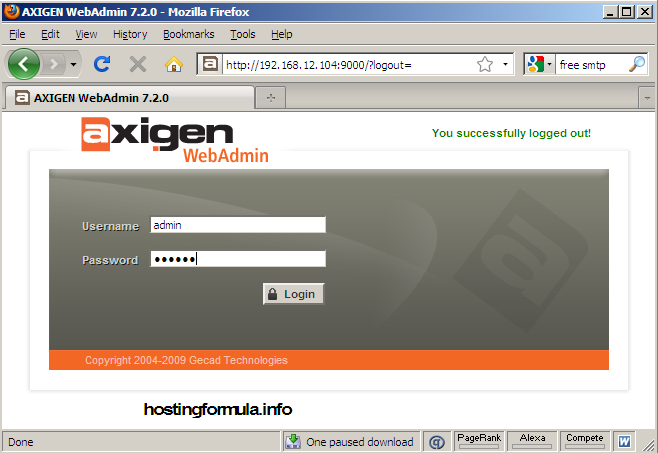
axigen14 Install wordpress for home development : install email server

Till this steps, minimal step for installing are complete. You have fully working email server for home development.

In next post I’ll show how to connect between email server and wamp.

See you next time!

Related Reading:

Using DrupalUsing Drupal

With the recipes in this book, you can take full advantage of the vast collection of community-contributed modules that make the Drupal web framewo... Read More >

Drupal For DummiesDrupal For Dummies

Learn to set up, manage, and administer a Drupal Web site

Drupal offers unparalleled flexibility for content-managed Web sites, but most ... Read More >

Pro Drupal Development, Second EditionPro Drupal Development, Second Edition

Widely praised for its in–depth coverage of Drupal internals, bestselling Pro Drupal Development has been completely updated for Drupal 6 in thi... Read More >

Front End Drupal: Designing, Theming, ScriptingFront End Drupal: Designing, Theming, Scripting

“For Drupal to succeed, we need books like this.”

–Dries Buytaert, Drupal founder and project... Read More >

Cracking Drupal: A Drop in the BucketCracking Drupal: A Drop in the BucketThe first book to reveal the vulnerabilities and security issues that exist in the sites that have been built with Drupal?and how to prevent them from... Read More >

Thanks for reading, if you think this post help you please consider to buy me a beer

Search Terms :

  • wamp wordpress The uploaded file could not be moved to
    • Share/Bookmark
    Step By Step, wordpress online store

    If you enjoyed this post, please consider to leave a comment or subscribe to the feed and get future articles delivered to your feed reader.

    Leave Comment

    (required)

    (required)