
For better development experience and high satisfaction I suggest you to install wordpress at your home computer. No matter you have only a laptop, old PC or luxury macbook you’ll need home computing stuff.
Here the simple step by step guide for install wordpress for home development that also known as localhost :
Install Development Tools
I’m a big fan of latest php version, thats why I use wamp that offer latest php version (as time of write this post latest version is php 5.3.0).
1. Download latest version of wamp from wamp download page.
I download wampserver 2.0i that contains :
- Apache 2.2.11
- PHP 5.3.0
- MySQL 5.1.36
- Phpmyadmin
Save it to my document or other place.
2. Run wamp installer (double click exe file)
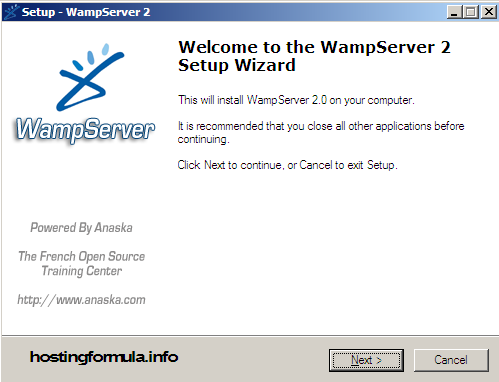
Click Next.
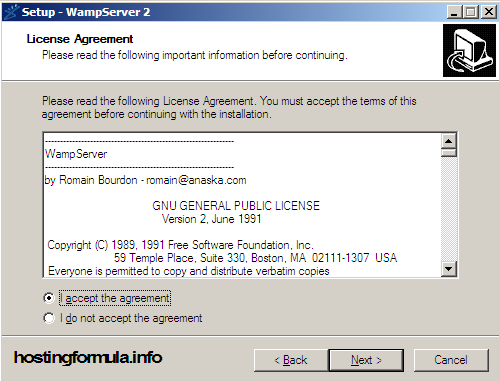
Accept License Agreement, click Next.
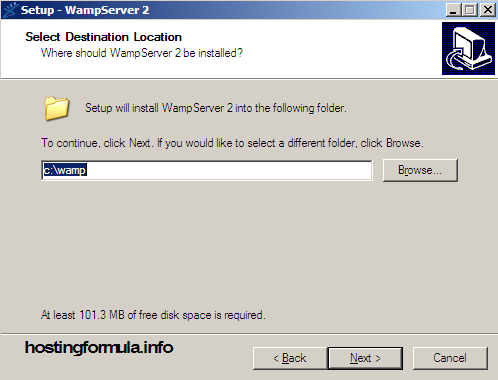
Select Destination Location (let it default location) click Next.
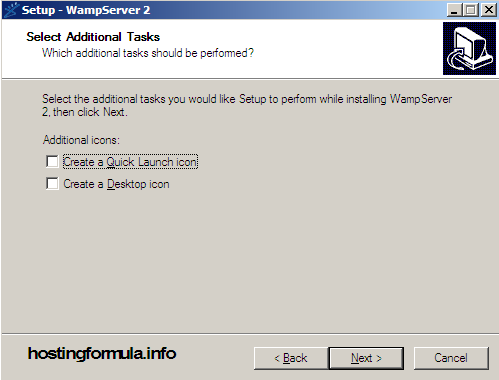
Click Next.
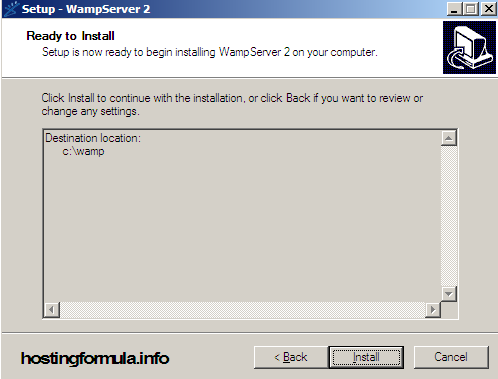
Click Install.
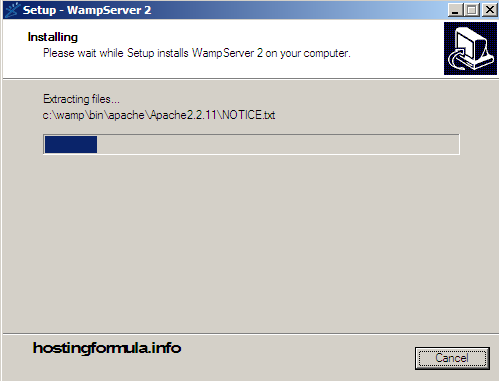
Install process will begin and if you run firefox at the time you’ll see this prompt too. Click Yes.

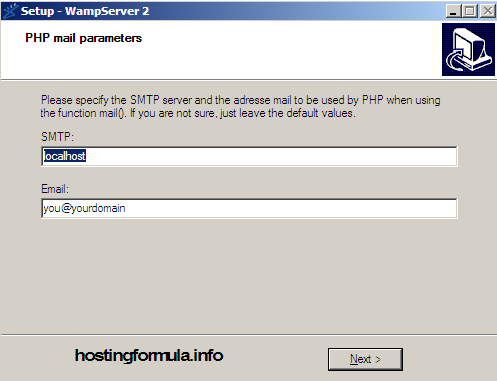
Enter PHP mail parameters. Let it as follows. Click Next.
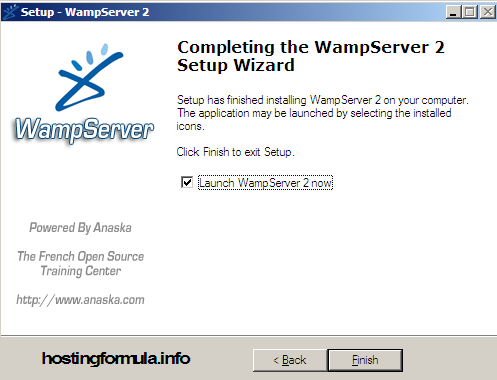
Install process work well, click Finish and see Wamp start at tray.
Testing for sure
3. Check if server working well by open your browser and type ‘localhost’ at url address.
You should see like the one in this picture :
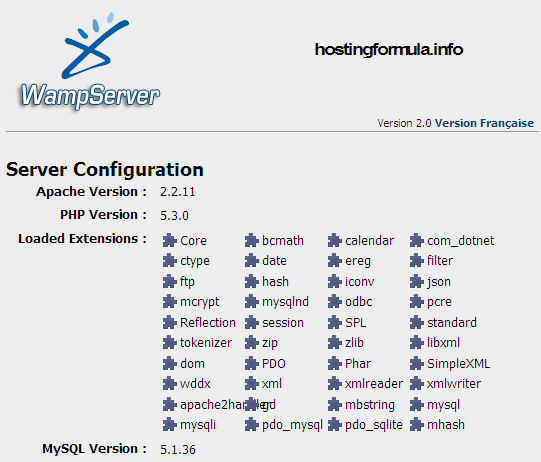
At this stage your development tool is working well.
Ready for next step.
Stay health 🙂
Pingback: Install wordpress for home development : setting domain | Hosting Formula
Pingback: Step by Step Build Wordpress Shop in 30 day or less | Hosting Formula